DnD Map Maker
Describe the encounter and get a finished D&D map in about 10 seconds: battle maps with a 5-ft grid, dungeons with numbered rooms, taverns, towns and regions. Then change it by typing. One free map a day, no signup.
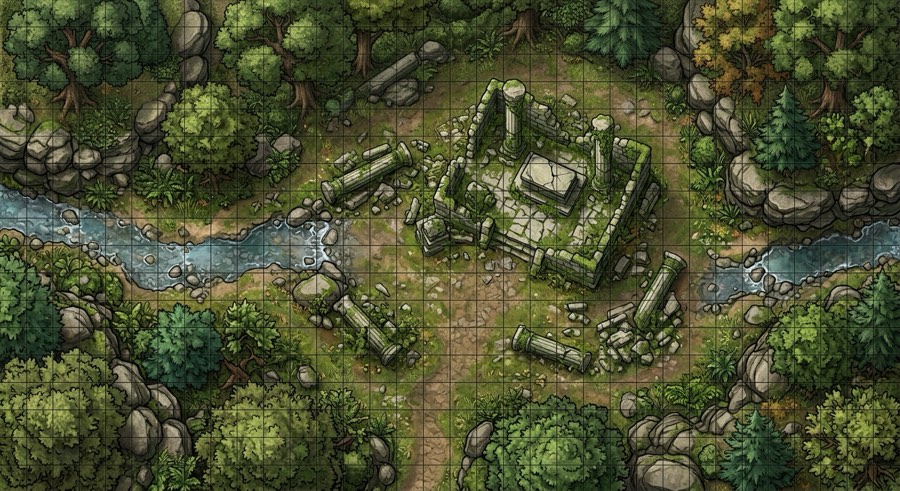 Battle map, painted style
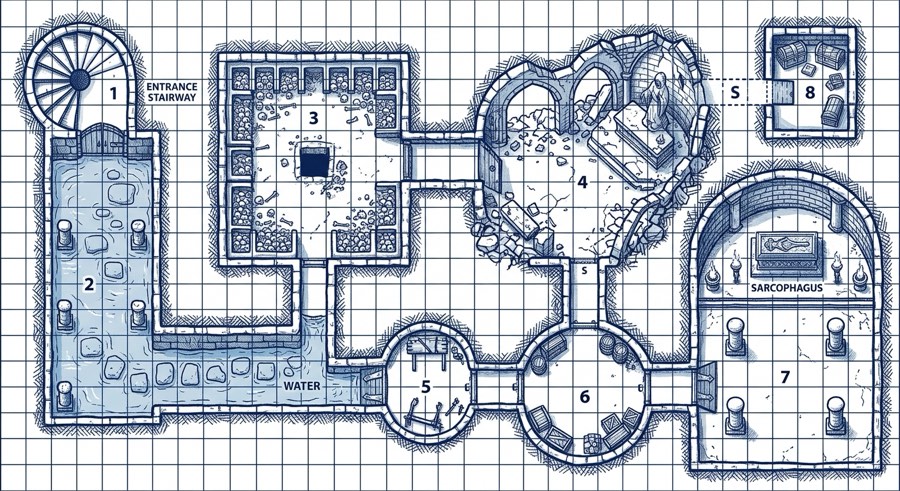 Dungeon, old-school blue style
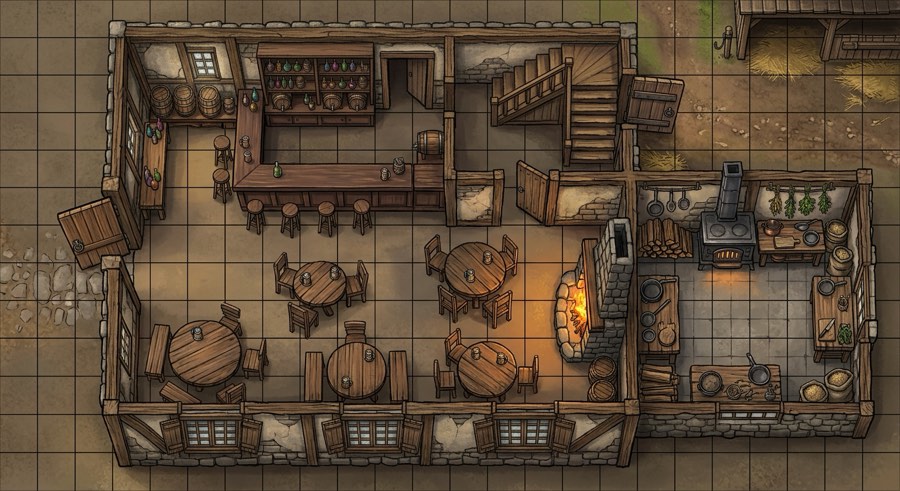 Tavern, painted style
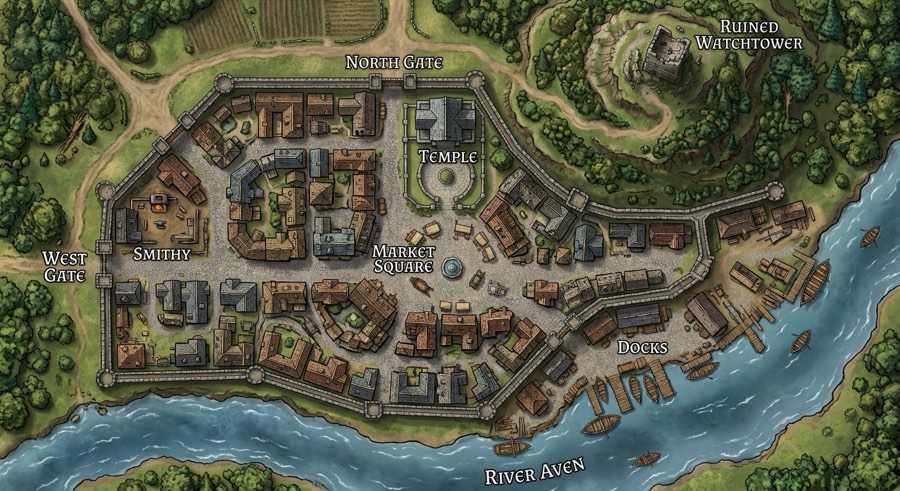 Town, painted style
Generate the actual map here
1 free generation a dayNo copy-pasting into another app. Your choices go straight to the image model; the result is 1408×768 pixels, yours to download.
Changed the type or description above? Press Generate again to draw the new one.
Session prep in minutes, not evenings
- Pick the map you need tonight — the fight, the dungeon, the tavern where the party meets.
- Describe it the way you'd tell your players: what's there, what gives cover, where the exits are.
- Fix what's off by typing ("add a second exit", "make the room bigger"), then download the JPG for your VTT or print it as a handout.
Building a whole world instead? The fantasy map maker has 8 map types and 8 art styles (Tolkien, watercolor, medieval atlas and more) for world, kingdom and island maps.
Questions
Is this DnD map maker free?
Yes. You get one free map a day and one free change to it, with no signup. If you want more, 15 maps or changes cost a one-time $4.99. There is no subscription.
What kinds of D&D maps can it make?
Battle maps for combat, dungeons with numbered rooms, tavern and building interiors, towns and villages, regional overland maps and world maps. Battle maps, dungeons and interiors get a 5-foot square grid by default; you can switch it off.
Can I use the maps in Roll20, Foundry VTT or Owlbear Rodeo?
Yes. Download the JPG (1408×768) and upload it as a scene or background. The grid is drawn into the image by the AI, so its squares are even but not pixel-exact: align your VTT grid to it once with the grid tool, or turn the grid off here and let the VTT draw its own.
Can I change the map after it is drawn?
Yes. Under every map there is a box where you type a change, such as "add a second exit on the north wall" or "turn the stream into lava". The map is redrawn with only that change and everything else kept. Undo goes back one step.
How is this different from Inkarnate or Dungeondraft?
Those are drawing tools: you place every tree, wall and door yourself, which gives exact control and takes time. Here you describe the map and get a finished one in about 10 seconds, then adjust it by typing. Good for session prep tonight; less precise than drawing by hand.
Can I print it?
Yes, as a handout or a reference sheet. At 1408×768 pixels it is sharp at A5/half-letter size; for a full table-size printed battle mat (1-inch squares) the file is too small.